Pocket Deck
The deck you left at your desk
Your agents keep working when you walk away from the Mac. Pocket Deck is how you see what they are doing, answer the one that is stuck, and send it the next thing, from a train, a client site, or the kitchen.
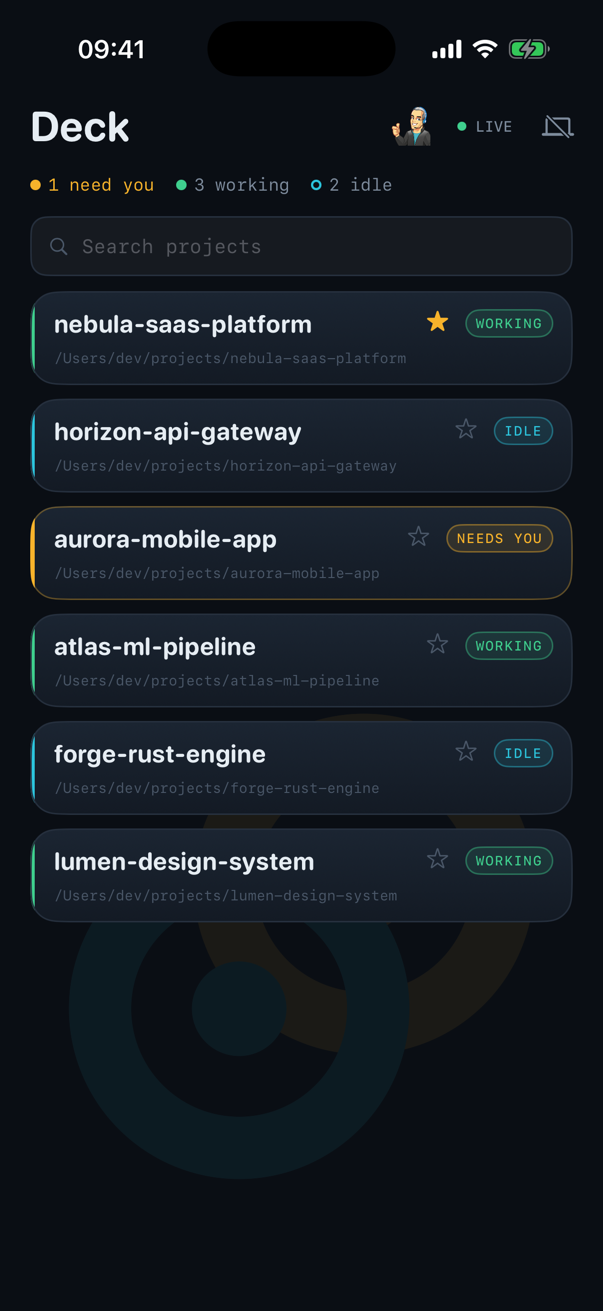
Every session, and the one that needs you
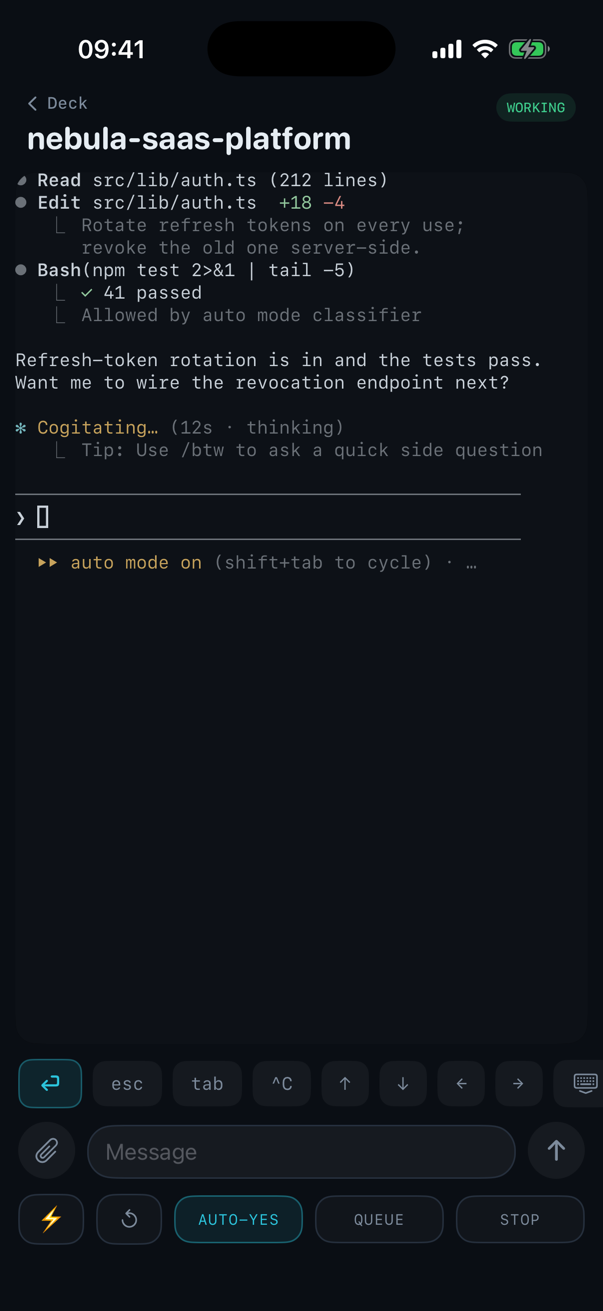
Read it, type to it, or turn Auto Yes on
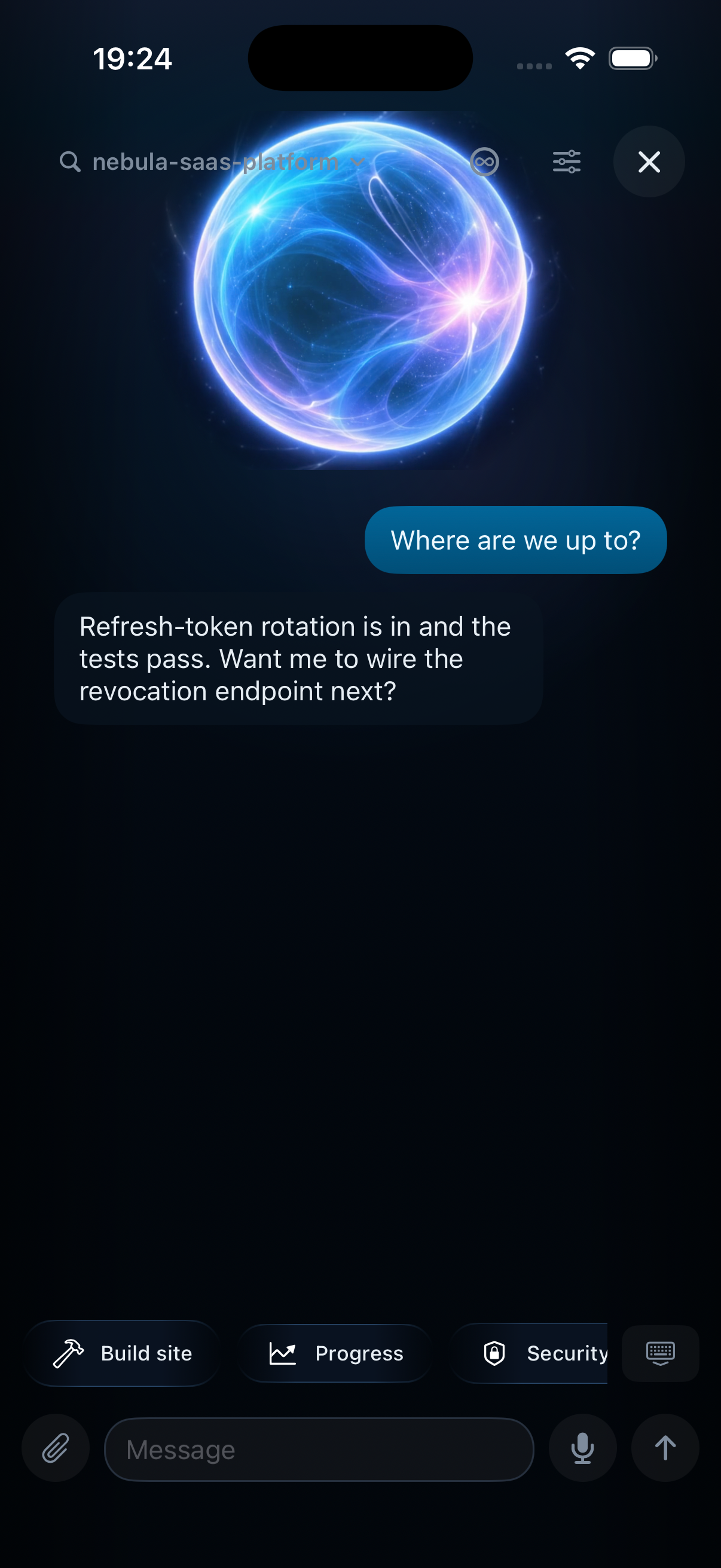
Car Mode: talk to it, hands-free
Talk to your deck, hands-free
Driving, or hands full on a client machine? Turn on Car Mode, ask Siri to open Pocket Deck, and you land straight in a conversation with the agent you nominated. Say what you need and it reads it back before anything happens: “I heard: deploy the staging build. Say transmit to send.”
Nothing runs until you say transmit. A misheard word or a half-finished thought never reaches the machine, so the care you take at the keyboard rides along in the car. Every send is you, out loud, confirming what you meant.
Paired, not logged in
There is no account. You scan a code shown on your own Mac, and that is the whole handshake. The code is single-use, dies in five minutes, and the server that helps you pair never learns it, only a hash of it.
End-to-end encrypted
Your terminal output is encrypted between your phone and your Mac. The relay in the middle carries ciphertext and could not read your sessions if it wanted to.
It fits the phone
The Mac resizes the session to your screen, so text wraps to the phone rather than running off the edge, the same trick tmux uses. Pinch to change the type size and it re-wraps.
Answer, or send a photo
When an agent needs a yes or no, three buttons. When it needs more, type it properly, with dictation and autocorrect, or attach a screenshot and let it look.
Getting Pocket Deck
Pocket Deck is free with Deck View. Pairing takes a minute: in Deck View open Preferences, choose Remote, turn remote access on and press Pair a device, then scan the code with the phone. Each phone gets its own key, and unpairing on either side revokes it on both.
Ready to level up your workflow?
Download the free Selector to get started, or jump straight into Deck View.