Agent access
Let another agent open projects into your deck, without you relaying for it, and without handing it more than it needs.
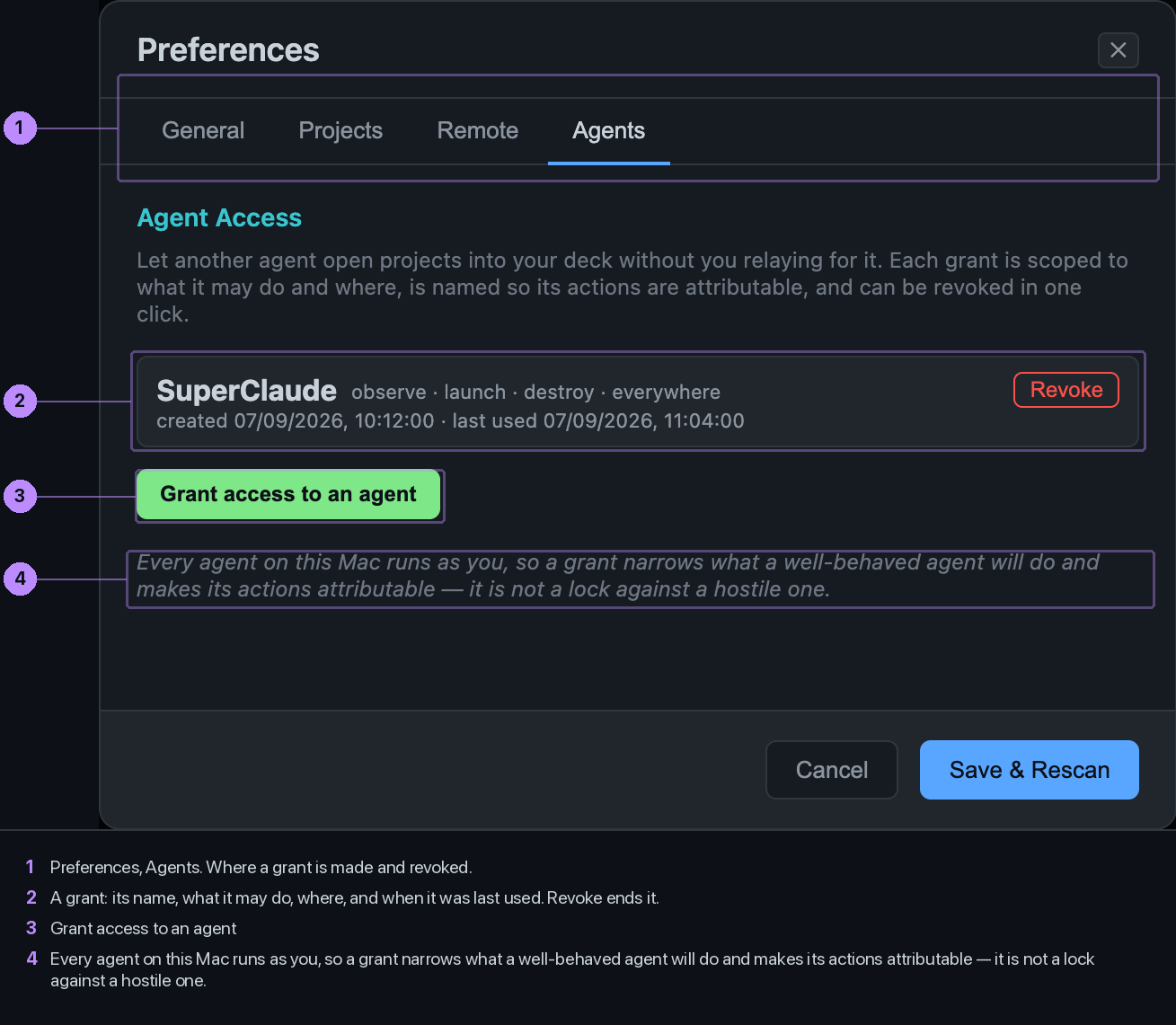
Making a grant
Preferences, Agents, Grant access to an agent. Name it after the thing that will hold the token, since that name is what appears in the log. Tick what it may do. Optionally limit it to project paths. Type the name back to confirm.
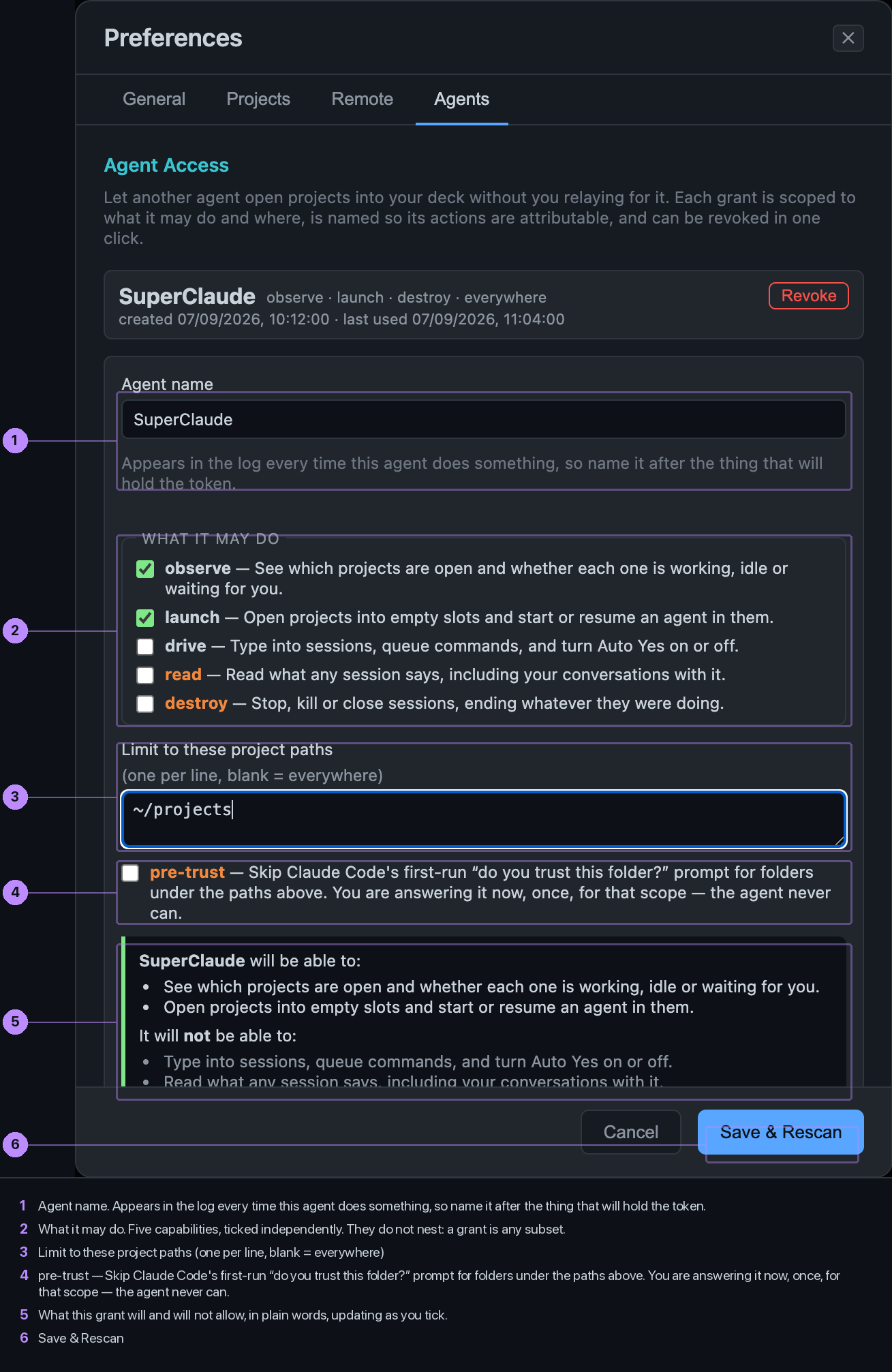
The five capabilities
| Control | Label | What it does |
|---|---|---|
| observe | See which projects are open and whether each one is working, idle or waiting for you. No conversation content. | |
| launch | Open projects into empty slots and start or resume an agent in them. | |
| drive | Type into sessions, queue commands, and turn Auto Yes on or off. | |
| read | Read what any session says, including your conversations with it. The sensitive one. | |
| destroy | Stop, kill or close sessions, ending whatever they were doing. |
They are independent. A grant is any set of them; destroy does not imply read. A launcher needs only observe and launch, and can tell whether its launch worked from the session state without being able to read a word of it.
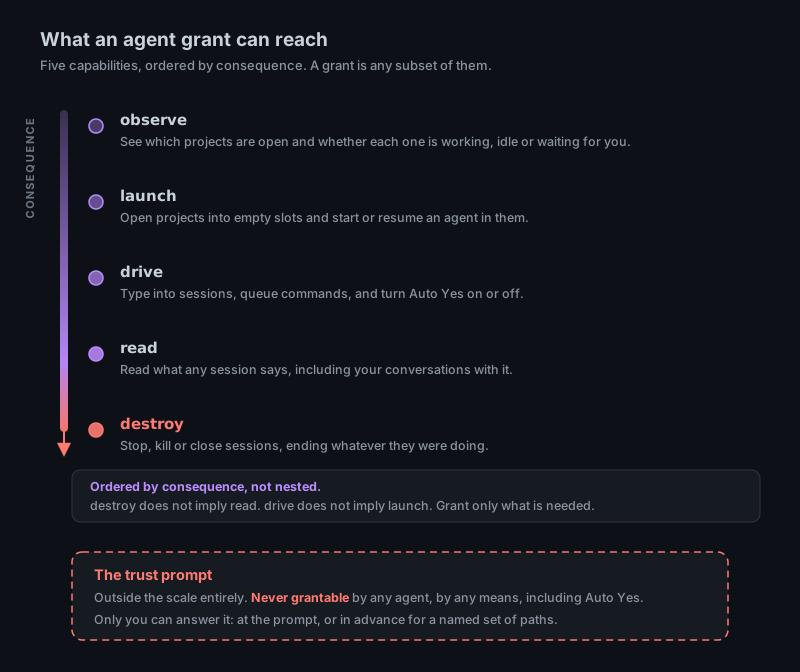
The token
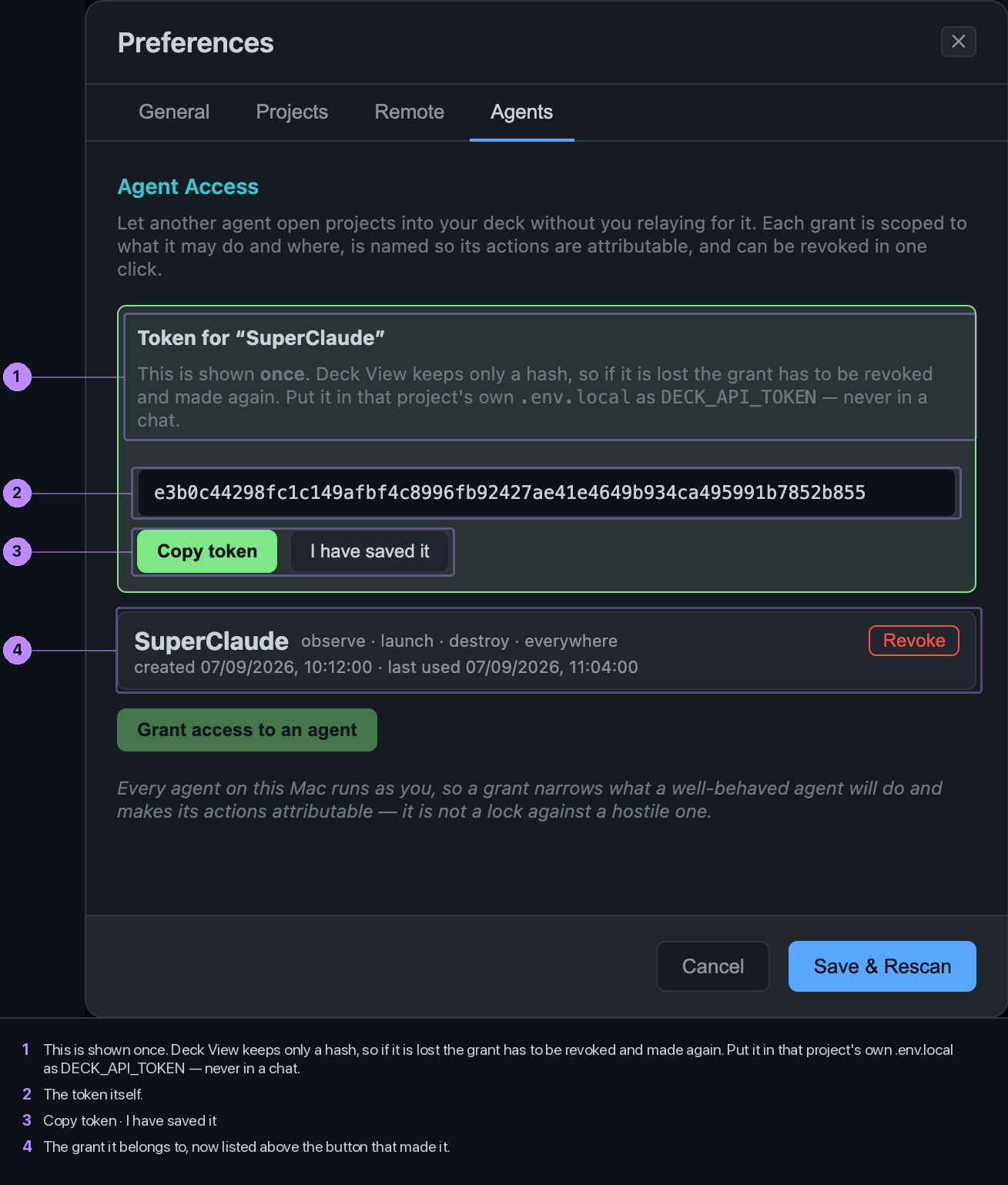
It is shown once. Deck View keeps only a hash. Put it in that agent\'s own project as DECK_API_TOKEN, never in a chat. Revoke is one click, and takes effect on the next request.
The trust prompt
Claude Code asks, once per folder, whether you trust it. No grant can answer that, and there is no capability for it. If you want an agent to open new folders under a path without the prompt, tick pre-trust on a grant that has a path scope: that is you answering the prompt in advance, for those paths. It needs a scope, because trusting folders an agent opens anywhere is not a decision.
What a grant is not
Every agent on your Mac runs as you, so a grant narrows what a well-behaved agent will do and makes its actions attributable. It is not a lock against a hostile one.