Decks
A deck is a working set of projects and a layout, saved so you can load it back.
Your saved decks
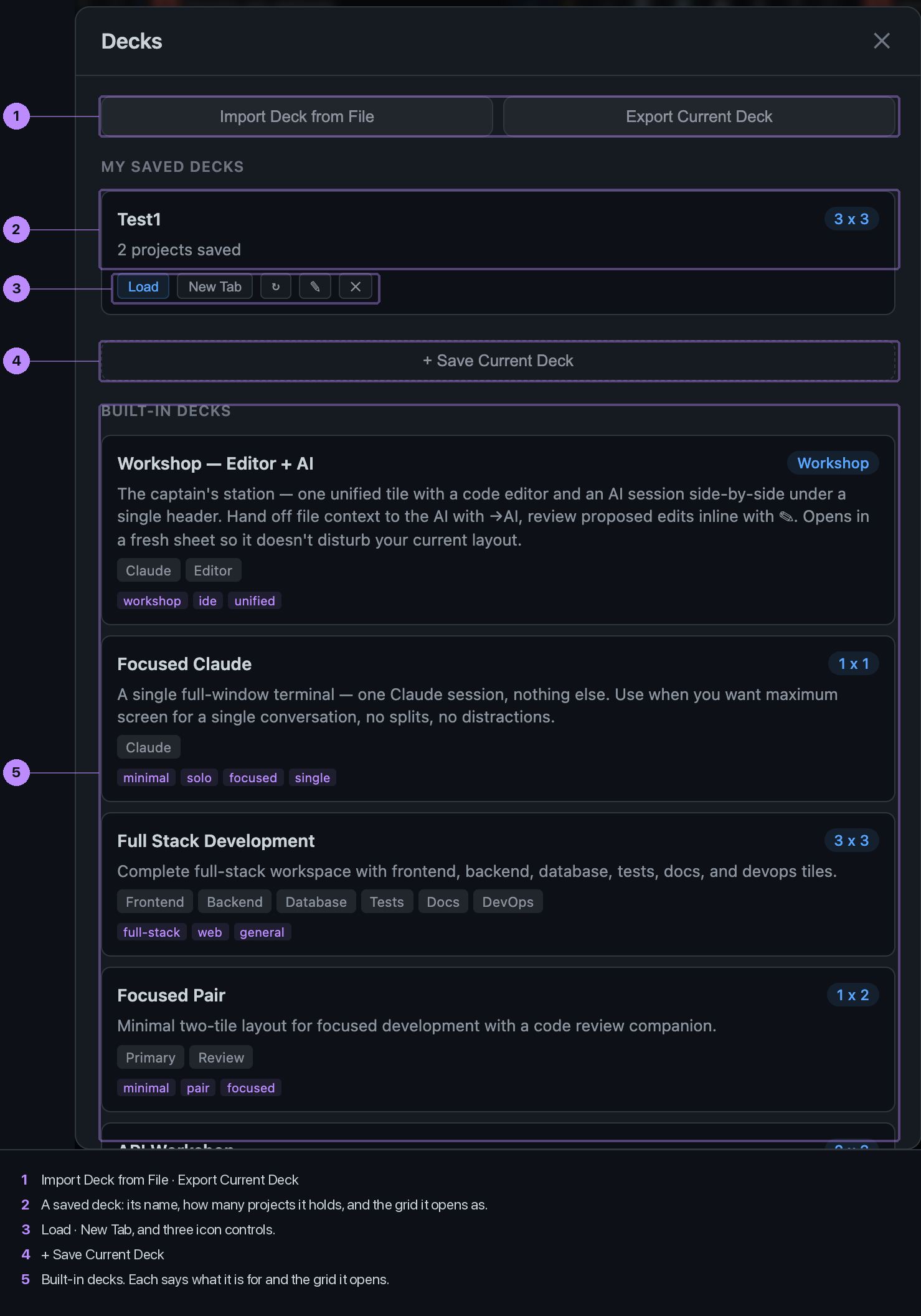
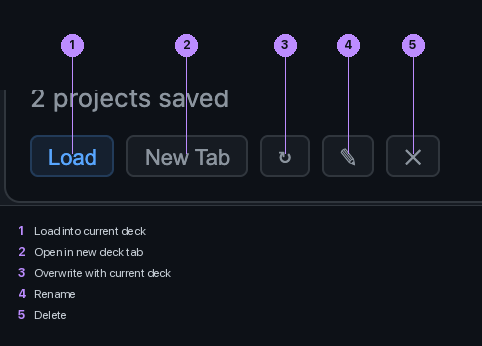
Save Current Deck records the projects on the sheet and its grid. Load puts them back on the current sheet; New Tab opens them on a fresh one. The pencil renames, the arrows refresh the saved set from what is on screen now.
Built-in decks
Starting shapes for common jobs: a Workshop, a single focused tile, a full-stack spread, a pair for review. Load one and replace its tiles with your own projects.
Import and export
A deck exports as a JSON file you can hand to someone else or keep in a repo. Import reads one back.