Skip to content
Deck View

Pocket Deck

The companion phone app. Watch your sessions, answer their prompts, and steer them from anywhere.
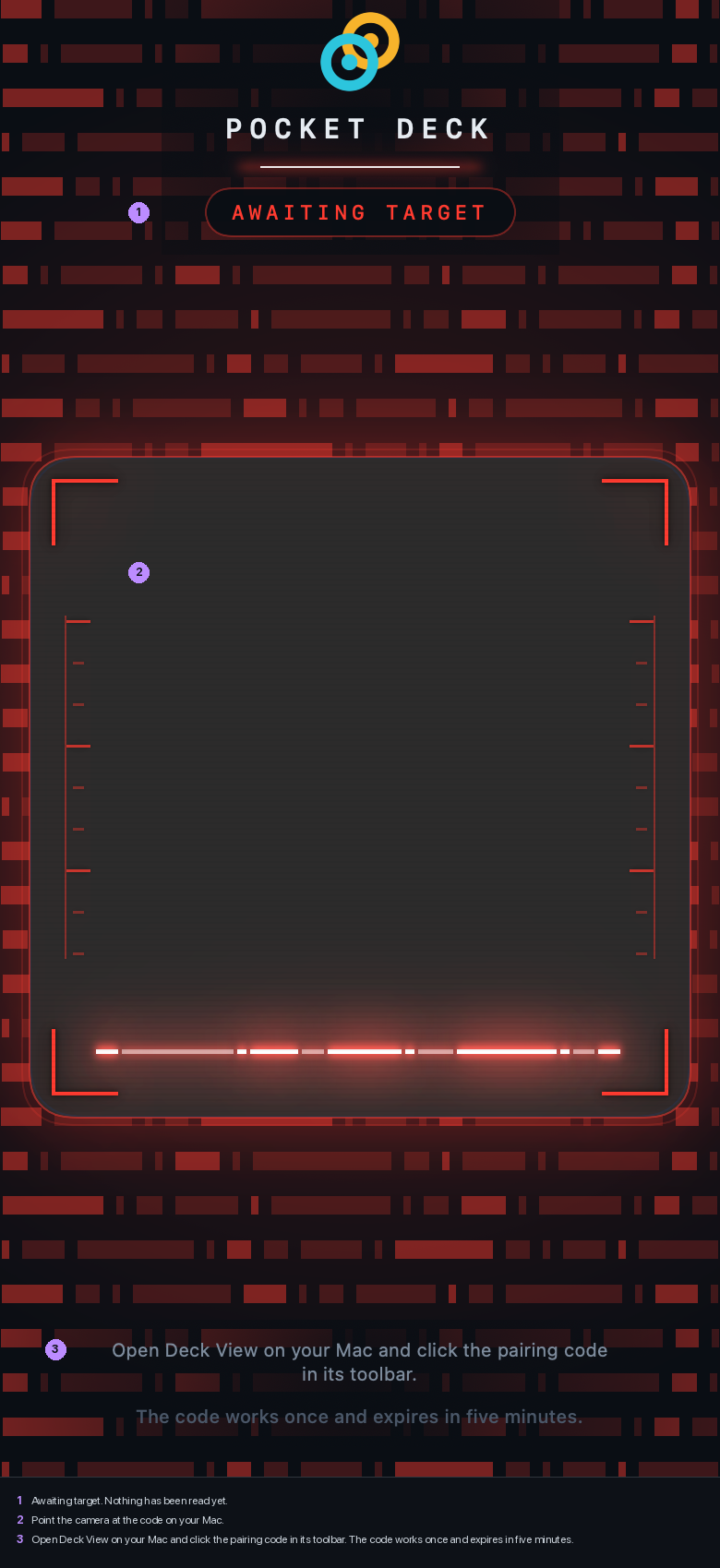
Pocket Deck pairing screen, scanning for a code
Scanning. The bar sweeps until it finds a code.
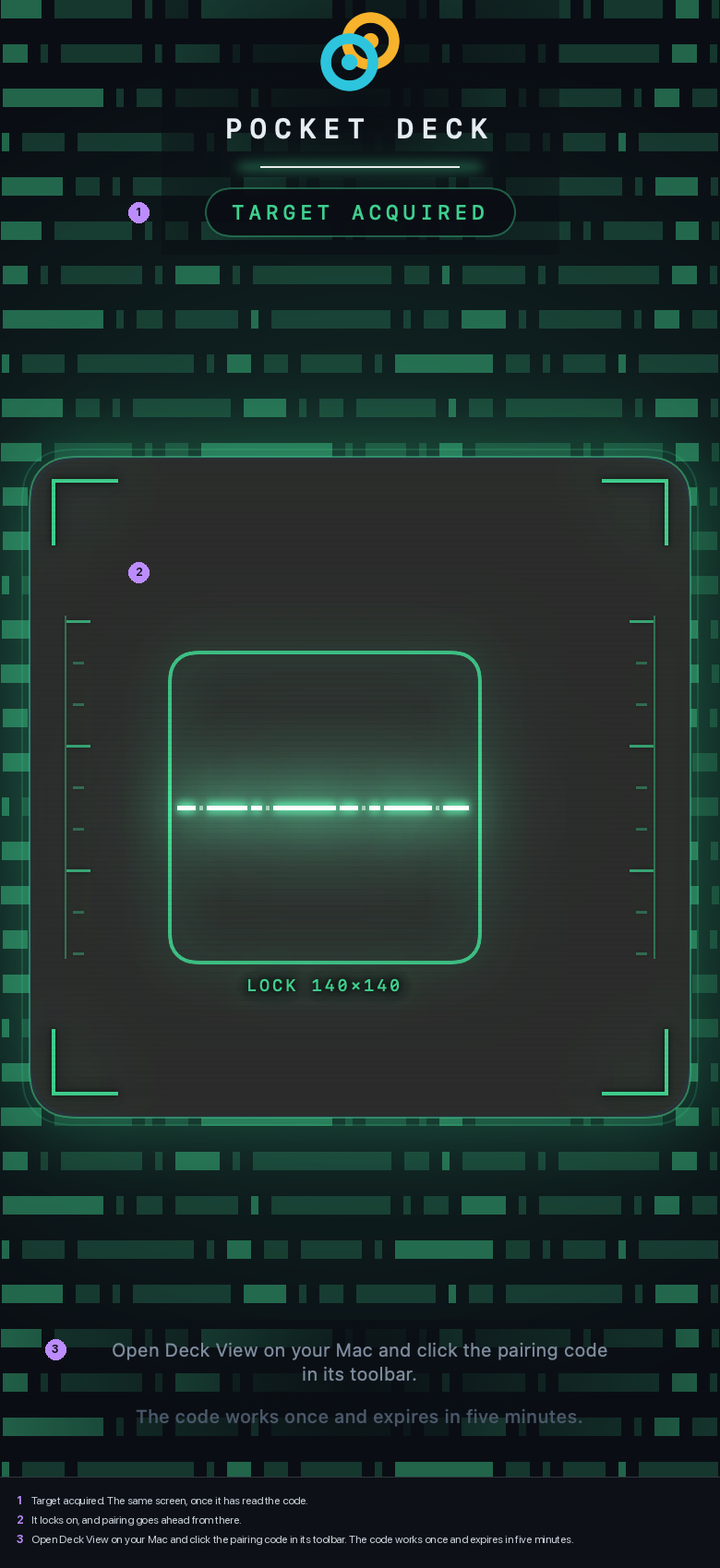
Pocket Deck pairing screen, code found
Found. The whole screen turns green on lock.

Pairing

In Preferences go to Remote and turn remote access on. A QR code appears; scan it with Pocket Deck. The code works once and expires in five minutes, so a photo of it is worthless later. Each phone gets its own certificate, and unpairing on either side revokes it on both.
Preferences, Remote, Turn on, Pair a device. The code and its countdown appear; the phone does the rest.
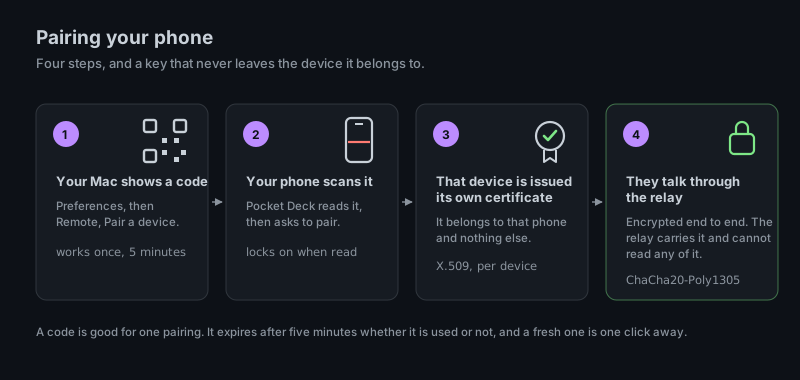
Diagram, four steps: the Mac shows a code good for five minutes; the phone scans it and locks on; that device is issued its own X.509 certificate; the two talk through the relay, encrypted end to end with ChaCha20-Poly1305, and the relay cannot read any of it
Four steps, and a key that never leaves the device it belongs to.

What the relay can see

Nothing. Traffic is encrypted on your Mac and decrypted on your phone. The relay in between carries it without being able to read it.

On the phone
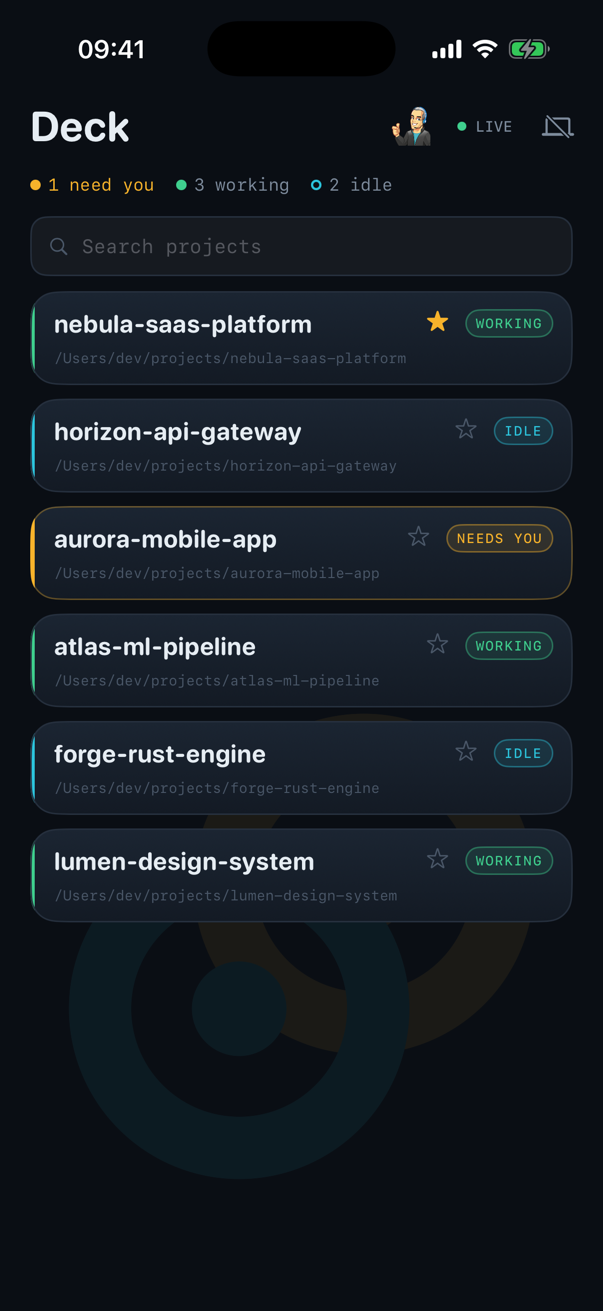
Pocket Deck's deck screen: the session list with one needing you, three working and two idle, a search field, and a LIVE indicator
The deck. Same projects, same colours as the Mac; the one that needs you is amber.
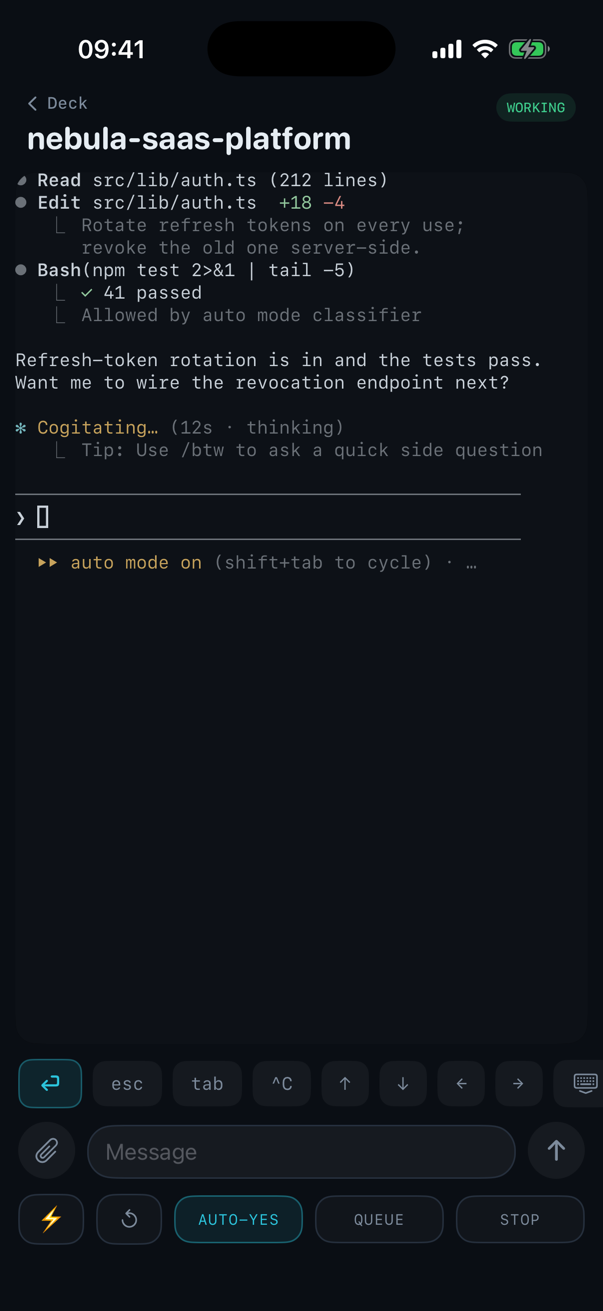
Pocket Deck's session screen: the agent's transcript, a row of terminal keys, a message field, and Auto Yes, Queue and Stop buttons
A session. The transcript, a key row for esc, tab and arrows, a message field, and Auto Yes, Queue and Stop.

The session list mirrors the deck, with the same colours. Open one to see its terminal, type into it, answer a prompt, or turn Auto Yes on. Tap the line you are typing to move the caret, the same as on the Mac.

Next: agent access →